


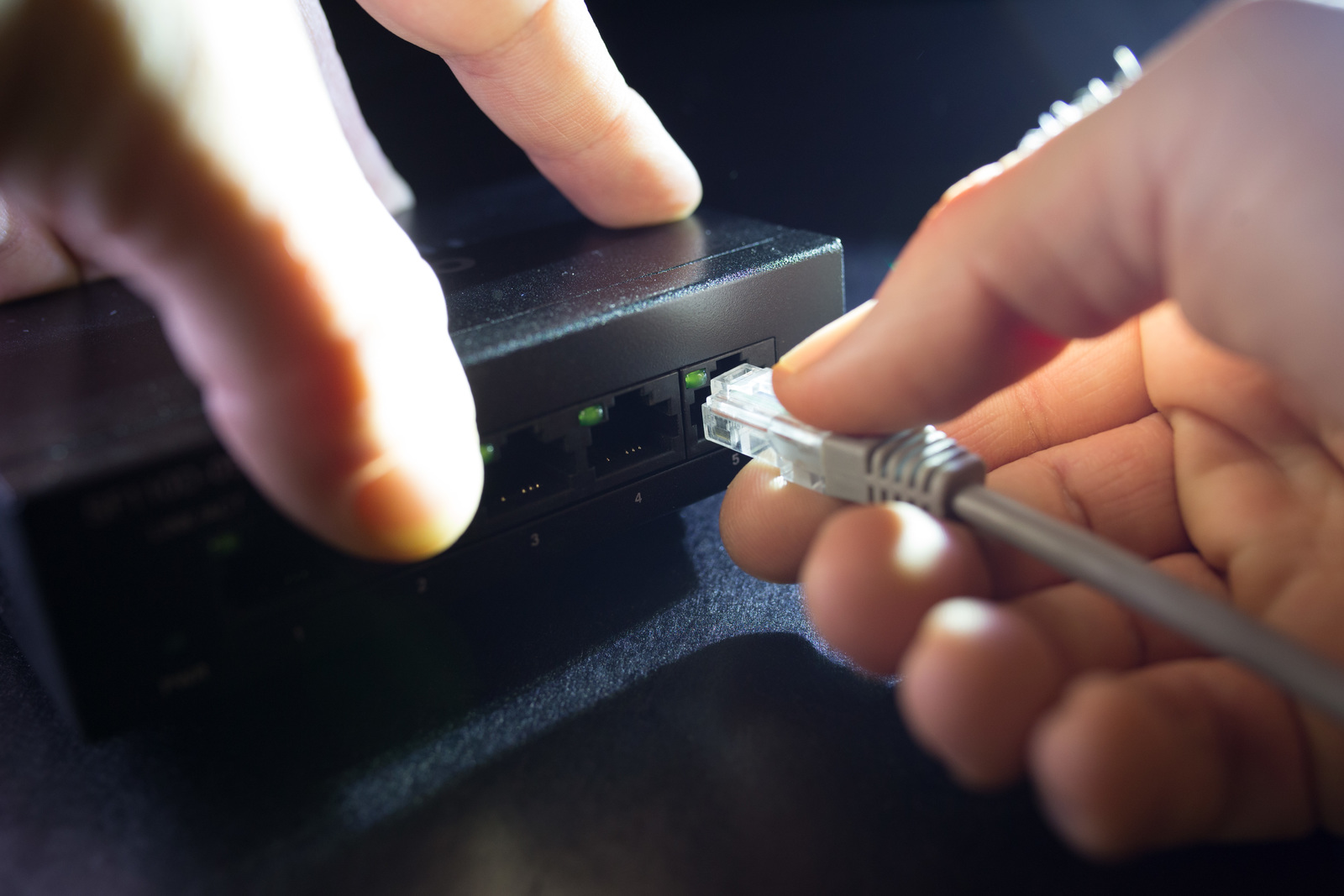
Technology helps businesses stay productive, connected, and competitive but it also comes with challenges. Slow computers, internet outages, forgotten passwords, and security threats can interrupt your work when you least expect them. While many businesses focus on fixing issues after they happen, the smarter approach is preventing them before they cause costly disruptions.
The reality is that most IT problems don’t appear overnight. They usually start as small issues that go unnoticed until they affect your employees, customers, or daily operations. A computer that has been slowing down for weeks eventually crashes. A missed software update becomes a security vulnerability. An employee clicks a fake email because they were never trained to recognize it.
The good news? Many of the common IT problems are preventable with a few proactive habits and the right support.
In this guide, you’ll learn why prevention matters, discover the IT problems in business, and explore practical ways to reduce downtime, improve security, and keep your technology running reliably.

Why Preventing IT Problems Is More Important Than Solving Them
Waiting until something breaks often costs more than preventing it in the first place.
Think about it this way:
If your office internet goes down for two hours, your team may be unable to serve customers, access files, or complete projects. Even after the issue is fixed, you’ve already lost valuable time and productivity.
Preventive IT management helps businesses:
- Reduce unexpected downtime
- Improve employee productivity
- Protect sensitive business data
- Lower emergency repair costs
- Extend the life of computers and equipment
- Improve business continuity during unexpected events
Instead of constantly reacting to common IT issues, businesses can focus on growth while technology works in the background.
10 Common IT Problems and Practical Ways to Prevent Them
1. Computers Running Slow
One of the most frustrating IT problems employees experience is a computer that takes forever to start or load programs.
Why it happens
- Too many startup applications
- Outdated software
- Limited storage space
- Aging hardware
- Temporary files building up over time
For example, imagine your employee spending just 10 extra minutes each day waiting for their computer. Over a year, those small delays add up to dozens of lost work hours.
How to prevent it
- Remove unnecessary startup programs
- Install software updates regularly
- Delete temporary and unused files
- Upgrade hardware when needed
- Schedule routine system maintenance
Small maintenance tasks can significantly improve performance.
2. Unexpected System Crashes and Downtime
Few things are more disruptive than systems suddenly crashing during a busy workday.
Common causes
- Software conflicts
- Hardware failures
- Power interruptions
- Overloaded systems
- Missed system updates
How to prevent it
- Monitor system health regularly
- Replace failing hardware before it breaks
- Keep operating systems updated
- Perform preventive maintenance
- Use battery backups for critical equipment
Finding problems early often prevents unexpected downtime later.
3. Employees Clicking Phishing Emails
Cybercriminals know that people are often the easiest target.
A phishing email may appear to come from a bank, vendor, shipping company, or even your manager, asking someone to click a link or download an attachment.
How to prevent it
- Train employees to recognize suspicious emails
- Enable multi-factor authentication (MFA)
- Use spam and email filtering tools
- Encourage employees to verify unusual requests
- Report suspicious emails immediately
A few minutes of security awareness training can prevent your major cybersecurity incidents.
4. Losing Important Business Files
Accidentally deleting files or losing data after hardware failure can bring business operations to a halt.
Common causes
- Human error
- Hard drive failures
- Ransomware attacks
- Device theft
- Natural disasters
How to prevent it
- Automate daily backups
- Store copies in secure cloud storage
- Test backup recovery regularly
- Limit access to sensitive files
- Keep backup copies separate from production systems
Backups only help if they actually work, so regular testing is just as important as creating them.
5. Wi-Fi and Internet Connectivity Problems
Reliable internet is essential for communication, cloud applications, and customer service.
Common issues
- Weak Wi-Fi coverage
- Outdated networking equipment
- ISP outages
- Network congestion
- Poor router placement
How to prevent it
- Upgrade aging networking equipment
- Monitor network performance
- Optimize Wi-Fi coverage
- Keep networking devices updated
- Have a backup internet connection if possible
For businesses that rely heavily on cloud applications, internet reliability directly affects productivity.
6. Software That Won’t Update or Stops Working
Outdated software doesn’t just slow your employees down, it can also create security risks.
Why software problems happen
- Missed updates
- Compatibility issues
- Expired software licenses
- Unsupported applications
How to prevent it
- Use automated patch management
- Test updates before company-wide deployment
- Track software licenses
- Remove outdated applications
- Standardize approved software across the business
Keeping software current helps reduce many IT problems and solutions become easier to manage.
7. Forgotten Passwords and Unauthorized Access
Weak passwords remain one of the biggest security risks for businesses.
Examples include:
- Password123
- CompanyName2026
- Reusing the same password everywhere
How to prevent it
- Require strong, unique passwords
- Use password managers
- Enable MFA
- Limit user access based on job roles
- Review user accounts regularly
Strong password habits help protect business data without making daily work more difficult.
8. Running Out of Storage Space
Storage fills up faster than many businesses expect.
When your computers or servers have little free space, performance suffers, updates may fail, and employees struggle to save files.
How to prevent it
- Monitor available storage
- Archive old files
- Remove duplicate or unnecessary data
- Expand storage when needed
- Use cloud storage for collaboration
A regular cleanup schedule prevents storage from becoming a surprise problem.
9. Old Computers and Equipment Breaking Down
Technology has a lifespan.
Older devices become slower, less reliable, and more expensive to repair.
Signs it’s time for replacement
- Frequent crashes
- Slow performance
- Repairs becoming more frequent
- Inability to run current software
- Hardware no longer supported
How to prevent it
- Create a hardware replacement schedule
- Track equipment age
- Inspect systems regularly
- Budget for planned upgrades instead of emergency replacements
Replacing equipment before it fails helps avoid unexpected disruptions.
10. Poor IT Maintenance
Many businesses only call for IT support after something goes wrong.
Unfortunately, neglected systems gradually develop recurring performance and security problems.
Common signs of poor maintenance
- Missed updates
- Slow computers
- Frequent help desk requests
- Outdated antivirus software
- Growing security vulnerabilities
How to prevent it
- Schedule regular maintenance
- Monitor systems continuously
- Review backups routinely
- Keep software and security tools updated
- Perform regular IT health checks
Consistent maintenance reduces many recurring IT challenges before employees even notice them.
Final Thoughts
Technology issues are inevitable, but many of the IT problems can be prevented with proactive maintenance, regular updates, employee training, and ongoing system monitoring. Taking these steps helps reduce downtime, improve security, and keep your business running efficiently.
If you’re ready to prevent IT problems before they impact operations, contact us today. Our team assesses your IT environment, identifies potential risks, and provides proactive solutions to keep your technology reliable, secure, and ready to support your business.


